
Pre-Built Assessment Templates for Pedorthists
Start with ready made Pedorthists assessments already containing relevant patient questions, then easily customize questions, scoring, red flags and AI evaluation to match your clinical approach, patients and practice. Save time and increase productivity to consult more patients.
Assessment Template for Pedorthists
Pre-built Biomarks Assessment Templates give Pedorthists ready to use patient assessments that can be customized in minutes. Add or modify questions, scoring, clinical logic and red flags, then define what Biomarks AI should evaluate.
Templates help standardize patient intake, identify concerns earlier, reduce administration and generate structured AI-powered insights to support clinical decision-making.
Patient responses are structured and analyzed automatically, helping reduce repetitive administration, identify important patient insights faster and give clinicians more time to focus on patient care, their next appointment or even a proper lunch break.

Easy to Follow Assessment Template
No need to build from scratch. Choose a ready made template with questions already included, then quickly customize it to suit your clinical workflow and patient needs.
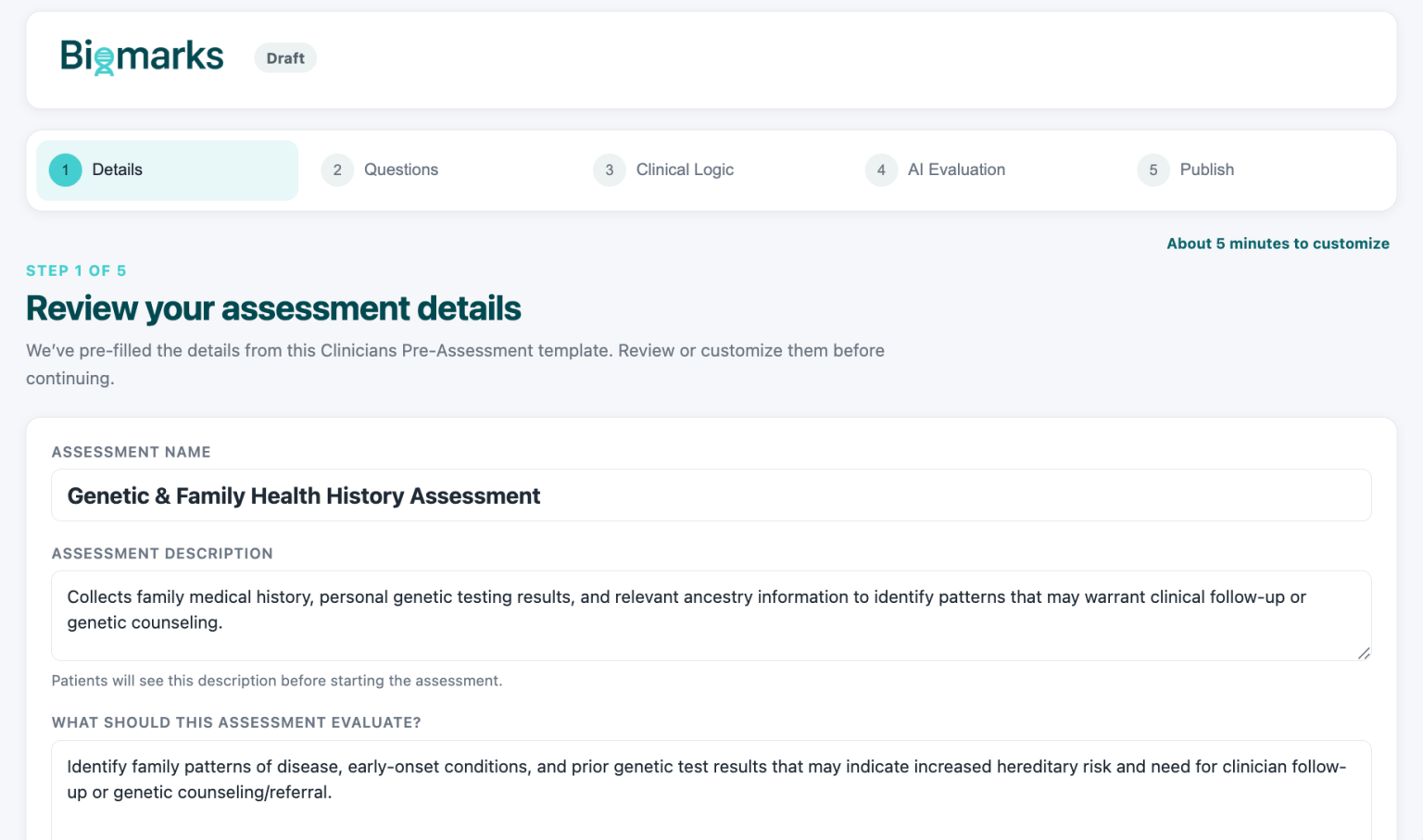

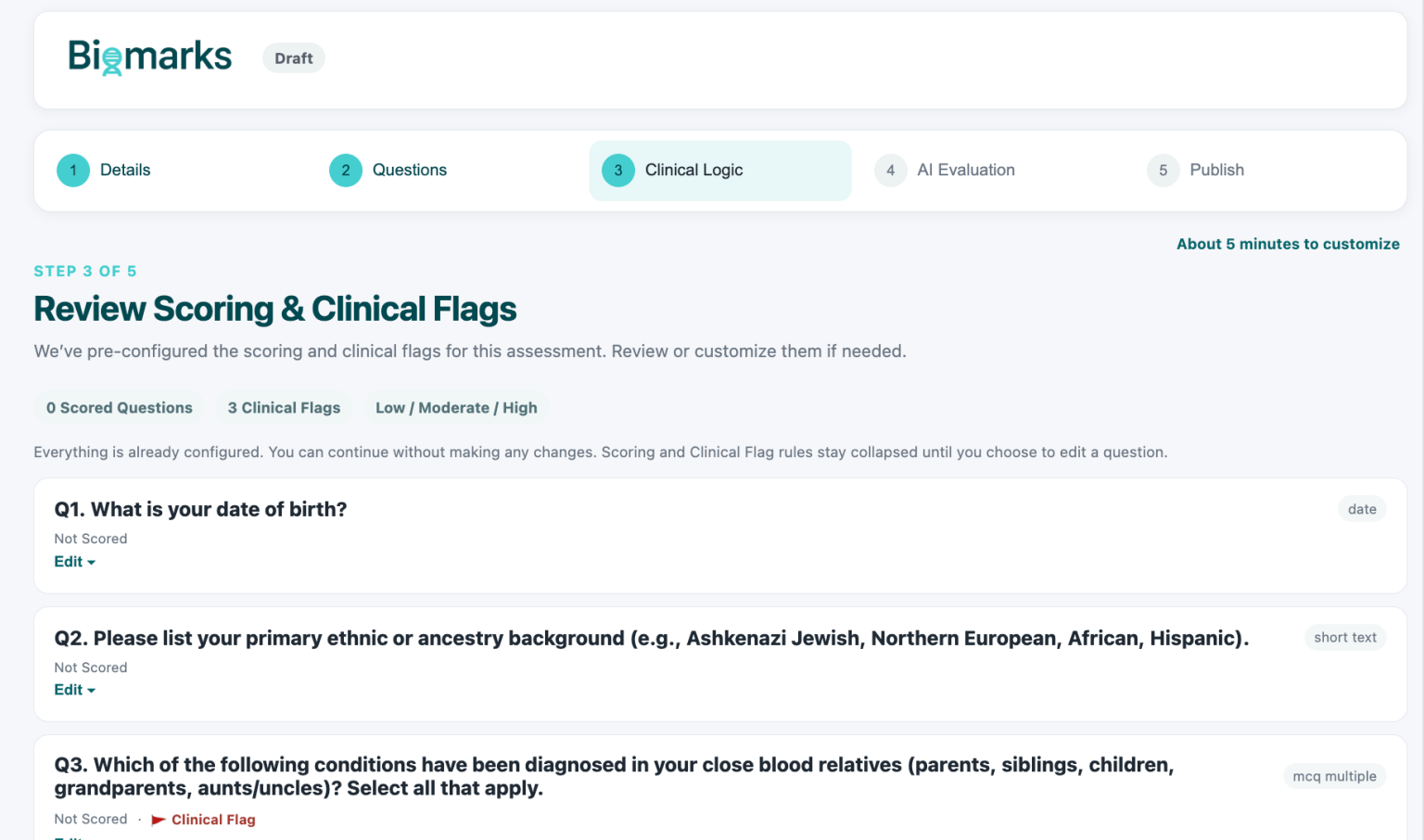
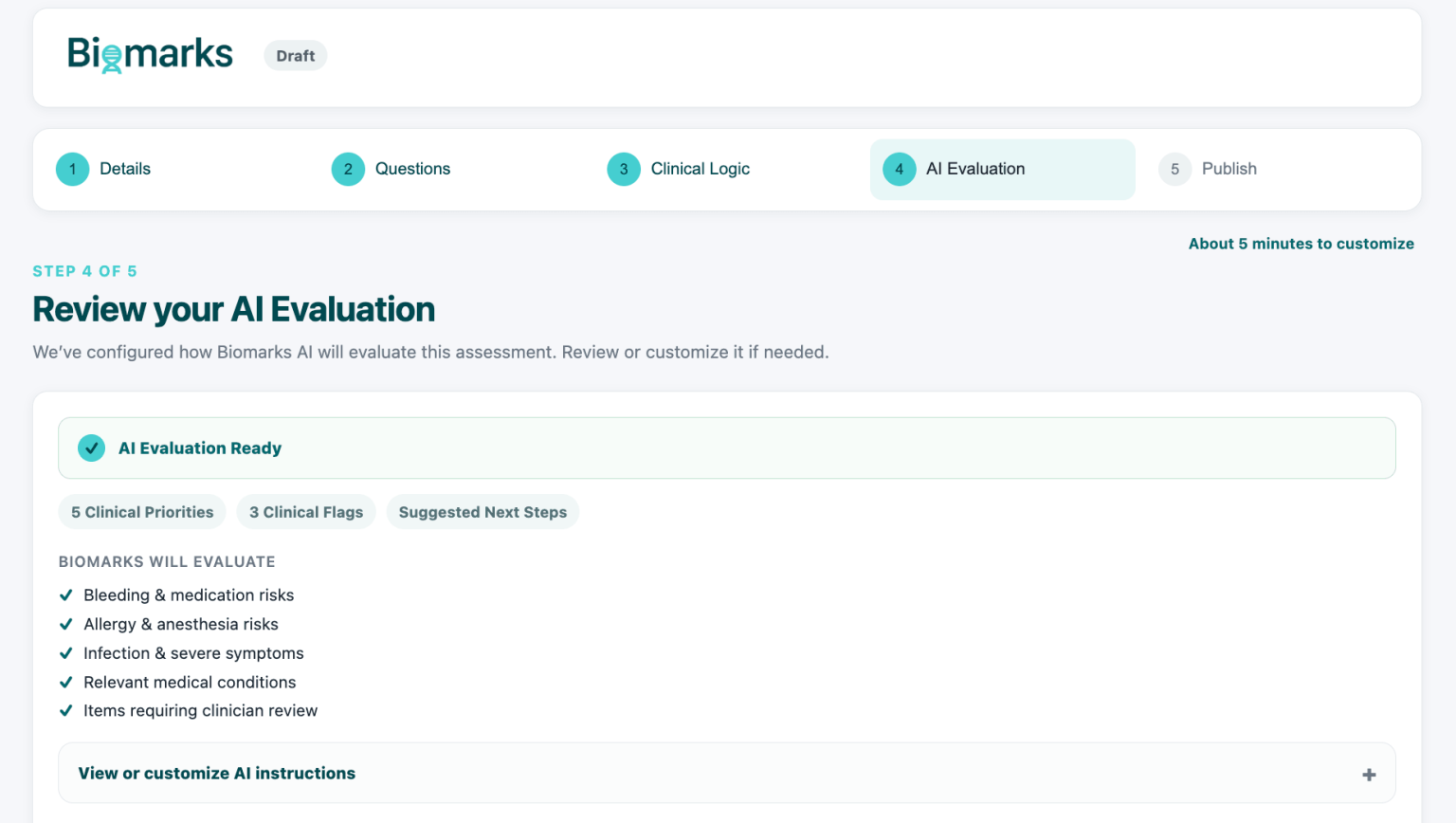
How to use Assessment Templates
Choose a pre made assessment, customize questions and scoring, configure AI evaluation, publish, share with patients, and start saving valuable time.
Step 1
Choose Your Template
Step 2
Customize Your Assessment
Easily edit questions, add new ones, adjust scoring and red flags, and tailor the AI evaluation to your clinical needs.
Step 3
Set Scoring & Clinical Logic
Configure scoring, thresholds, red flags and conditional logic to help identify responses requiring attention.
Step 4
Configure AI Evaluation
Step 5
Publish & Share
Publish your assessment and securely share it with patients by link so they can complete it before or between consultations.
Step 6
See Your Next Patient
Biomarks handles the assessment workflow, scoring and AI analysis, helping reduce administration so you can see your next patient sooner or finally enjoy your lunch break!
Pedorthists Assessment Template FAQs
Start faster with ready made assessments designed to simplify patient information collection and clinical workflows.
- Pre-made questions, fully customizable
- AI-powered evaluation and insights
- Less administration, more patient time
Protecting patient data while ensuring AI supports safe, responsible clinical decision-making.
- Privacy Built Into Biomarks
- Secure Patient Health Data
- Responsible AI by Design

